Tools
- Github
I have a bundle of self-made generic tools that I reuse for different projects.
The goal is to save time and to avoid reinventing the wheel.
I will present the most noteworthy features, even though the others I won't mention still remain useful (like a good menu system, working with any type of input).
Extension Methods
In this bundle of utilities, the most useful and pieces of code I find myself reusing the most are extension methods.
They aren't flashy by any means, but they sure are handy.
I sort them by use case, like math, gizmos, collections...
Some of my favorite methods include :
- GetRandomItem : A way to get a random item from any generic collection.
- Shuffle : Shuffles items in a collection.
- SetAllActive : Sets Active a collection of gameObject.
- Transform.Clear : Removes all children of a transform.
- DrawSphereCast : Visualises a Sphere Cast with a custom gizmo.
- OrdinalSuffixOf : Returns a string based on the ordinal suffix of an integer.
Feedback Editor
Since it's really important to me to have a lot of polish and feedback in my games, I use a generic feedback editor.
This allows for every member of my team to easily create feedback from within the Unity Inspector.
I made sure it was easy to use, so creating a feedback is as easy as creating a gameObject.
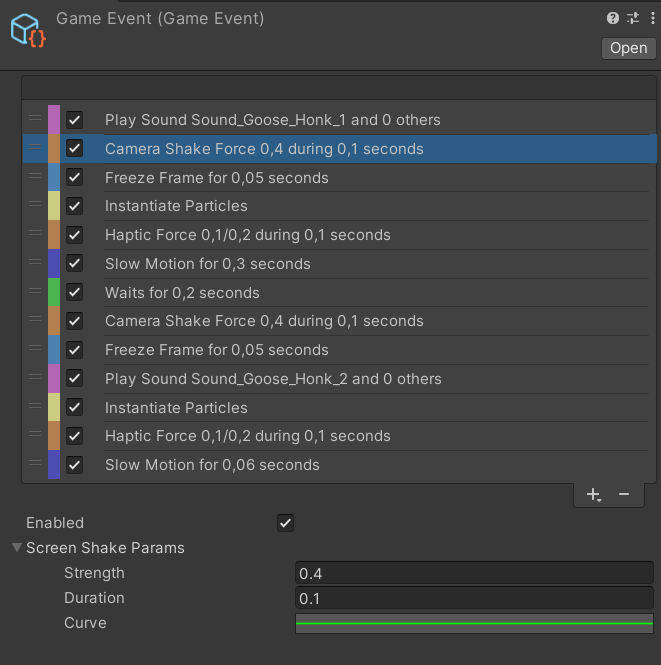
This editor makes it easy to add visual effects, sound effects, camera shake, controller vibrations, time stop, slow motion...
It's all customisable, and there's an easy way to add more feedback types if I wanted.
Dialog System
When making game, I often find myself needed text or dialogs with a typewriter system.
But most of the Unity basic typewriters aren't really good-looking to me.
I like being able to give life to the text itself.
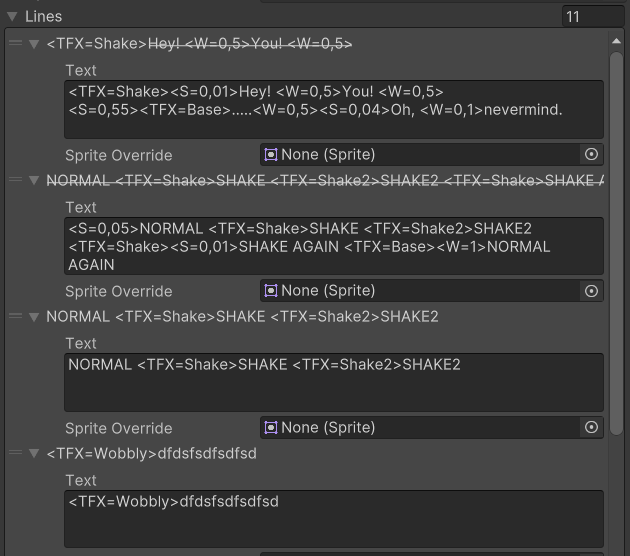
That's why I made my own dialog system, focusing on text effects.
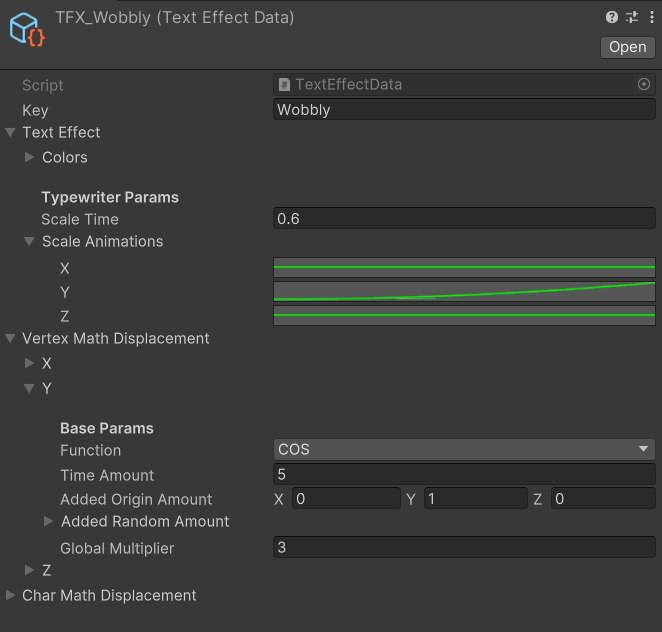
Behind the scenes, to animate the text, I'm moving the vertices of each mesh representing a character with the TextMeshPro Component.
As always, I made sure my system is very generic so that I can provide a lot of options for anyone who uses it.
That way, we can create any text effects we want.
There aren't a ton of parameters, but the ones that are available are enough to make a wide variety of effects, like a wave or a shaky text, by controlling how a text appears and how it behaves when updating.